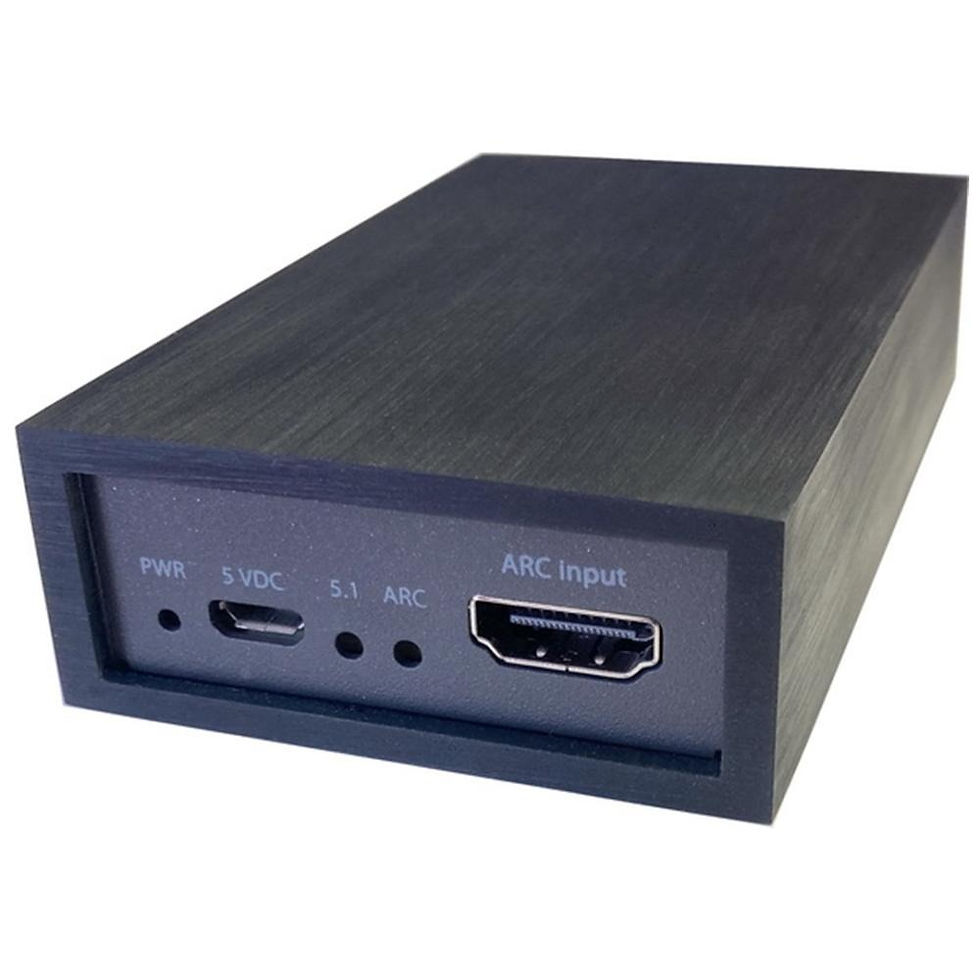
The OneRemote Radio PL7. Designed exclusively for use with Bang & Olufsen BeoLab speakers, this advanced receiver seamlessly bridges the gap between your high-fidelity sound system and today's digital audio sources.
The OneRemote Radio PL7 receiver
OneRemote Radio PL7 Receiver
Modernize Your Bang & Olufsen Audio Experience
Bring your classic audio setup into the modern streaming era with the OneRemote Radio PL7. Designed exclusively for use with Bang & Olufsen BeoLab speakers, this advanced receiver seamlessly bridges the gap between your high-fidelity sound system and today's digital audio sources. With plug-and-play simplicity, no complex installation is required to start enjoying high-quality streaming right out of the box.
Key Features
-
Complete B&O Remote Compatibility: The Radio PL7 is engineered to be fully controlled by any Bang & Olufsen remote control terminal from 1988 or later.
-
Comprehensive Audio Sources: Enjoy endless listening options with built-in DAB/DAB+ and FM radio, alongside WiFi-enabled Internet Radio and Podcast streaming.
-
Spotify Connect Integration: Stream music effortlessly directly from the Spotify app on your PC, Mac, tablet, or smartphone.
-
Wireless Bluetooth Streaming: Easily pair your smartphone, tablet, or any other Bluetooth-enabled device to stream your personal music library directly to your speakers.
-
Advanced Smart Device Control: Manage your music, volume, and settings via the free UNDOK app, available for Apple iOS, iPad, Mac, and Android devices.
-
Multi-Room Capabilities: Install multiple Radio PL7 receivers throughout your home to create a multi-room audio system, allowing you to play different sources in different rooms via the UNDOK app.
Technical Specifications & Details
-
Extensive Presets: Save and quickly recall up to 30 FM stations, 30 DAB+ stations, and 30 Internet Radio/Podcast stations.
-
Custom Audio Tuning: Built-in settings allow you to adjust both Bass and Treble to perfectly match your listening preferences.
-
Dual Alarm Clock: Features two built-in, highly adjustable alarms that can be set to wake you up with a standard buzzer, DAB, FM, or Internet Radio station.
-
Sleep Timer: Includes a customizable sleep timer that can automatically turn off the receiver after 15, 30, 45, 60, or 120 minutes.
-
Connectivity: Requires a WiFi network connection for Internet Radio and smart streaming services.
-
Setting up your OneRemote Radio PL7 is quick and straightforward. Follow these steps to connect your hardware and configure your system using your Bang & Olufsen remote or smartphone.
Step 1: Connect the Hardware
-
Speakers: Connect the Radio PL7 directly to your powered Bang & Olufsen BeoLab speakers using an 8-pin PowerLink DIN cable. If your BeoLab speakers use an RJ45 socket instead of a DIN socket, a suitable converter cable is required.
-
IR Receiver: Ensure your external IR receiver is securely connected to the Radio PL7.
-
Antenna: Connect the included indoor wire antenna to ensure a strong signal for DAB and FM playback.
Step 2: Power On & First-Time Configuration
When you first connect the Radio PL7 to power, it will boot up, and a blue LED light will flash for 8 seconds (this is normal).
-
Activate Remote Control: Press RADIO on your Bang & Olufsen remote control. The blue LED will light up solid, indicating the receiver is ready for your commands.
-
Make Selections: Use the GO, PLAY, or Joystick button on your B&O remote (depending on your remote model) to confirm options.
-
Language & Terms: Select your preferred language and accept the terms on the screen.
Step 3: Run the Setup Wizard
-
Time & Date: The Setup Wizard will appear. Set the time and select your preferred source for automatic time updates.
-
Network Standby: When asked "Keep Network connected?", make sure to select YES. This ensures faster switching between stations and allows streaming services like Spotify to wake up the radio even when it is turned off.
-
WiFi Connection: Select your local WiFi network from the list and enter your password using the remote.
Step 4: Finalize with the UNDOK App (Recommended)
While you can complete the entire setup using your B&O remote, it is highly recommended to finish the process using the free UNDOK app (available on the Apple App Store and Google Play).
-
Once the Radio PL7 is connected to your WiFi, open the UNDOK app on any smartphone or tablet connected to the same network.
-
Select your device (default name is 'Digitradio 10 IR').
-
Use the app to easily search for channels, organize your favorites, and save your presets.
Advanced Options (Optional)
If you need to change advanced hardware behaviors, you can program specific option codes using your B&O remote during the initial 8-second flashing boot sequence:
-
Change the Power-On Remote Key: By default, the receiver turns on by pressing RADIO. If you prefer to map it to a different button (like CD, PC, or A.AUX), you can input a source identity code during the boot phase.
-
Disable the Front LED: If you find the small blue power indicator light on the front panel distracting, it can be permanently disabled via an option code entered during startup.
-
This product is brand new and is newly manufactured, not pre-owned or refurbished. It comes shipped in the original packaging!